
About the Tool
Introduction
What is HuMo AI?
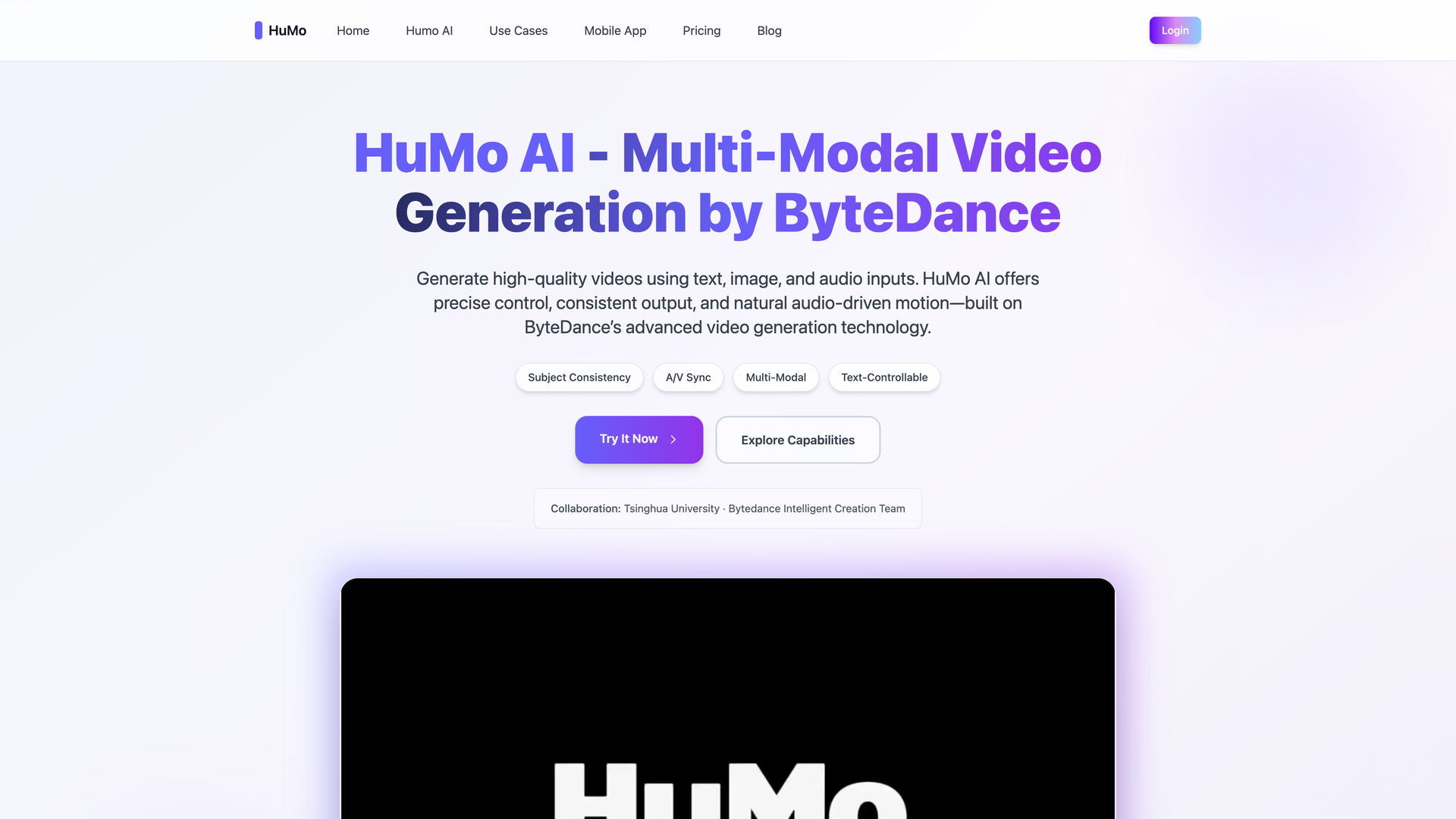
HuMo AI is a state-of-the-art multi-modal video generation model developed by ByteDance. It empowers creators to transform simple ideas into fully customized, lifelike videos by leveraging text, image, and audio inputs. The technology is built on ByteDance's advanced video generation framework and is a collaboration with Tsinghua University.
Core Mission
The tool is designed to make turning imagination into reality effortless, providing creators with unprecedented freedom and precision. It focuses on human-centric generation, delivering consistent identity and natural motion for immersive storytelling and content production.
Features
Multi-Modal Input Flexibility
HuMo AI supports various input combinations for precise control over video generation:
Text + Image (TI)
Generate videos that follow a text prompt while preserving the subject's identity from a reference image. Ideal for creating scenes with specific characters in described settings.
Text + Audio (TA)
Generate videos with precise audio-visual synchronization. Lip motion and facial expressions are naturally aligned with the provided speech signal, perfect for dialogue and narration.
Text + Image + Audio (TIA)
A tri-modal conditioning mode that balances text alignment, subject consistency, and A/V synchronization for complex, human-driven scenes.
Advanced Control and Editing
Subject Consistency & Text Control
Maintain the same subject identity while changing appearance (outfits, hairstyle, accessories) and scenes through different text prompts. This allows for versatile character customization within a consistent narrative.
High-Quality Output
HuMo AI generates high-quality videos with strong subject preservation and natural motion. It is built to produce consistent, professional-grade results suitable for various applications.
Broad Application Scenarios
HuMo AI delivers real creative power across multiple domains:
Digital Humans & Virtual Avatars
Create expressive digital humans from multi-modal inputs. Consistent identity and audio-driven motion make it ideal for virtual influencers and interactive characters.
Storytelling & Creative Production
Turn prompts, reference images, and audio into dynamic scenes for concept videos, narrative drafts, and fast creative prototyping.
Lip-Sync & Voice-Driven Animation
Generate accurate lip-sync and expressive speech animation from audio, perfect for dialogue videos, dubbing, and conversational AI.
Marketing & Social Media
Create customized marketing clips with controlled style and fast turnaround. Scale branded content efficiently.
Education & Training
Generate clear, engaging teaching videos without filming. Supports explainers, lessons, and language-learning content.
Product Demos & Prototyping
Visualize user flows, UI interactions, and product scenarios through multi-modal generation for demos and pitch materials.
Frequently Asked Questions
What is HuMo AI?
HuMo AI is a multi-modal video generation model by ByteDance that creates videos from text, images, and audio inputs. It supports controlled motion, consistent identity, and natural audio-driven animation.
What inputs does HuMo AI support?
HuMo AI supports Text-to-Video (T), Text-Image (TI), Text-Audio (TA), and Text-Image-Audio (TIA) collaborative conditioning. You can combine prompts, reference images, and audio for greater control.
Does HuMo AI support lip-sync and audio-driven motion?
Yes. HuMo AI generates accurate lip-sync, facial expressions, and timing based on audio inputs. It is suitable for dialogue videos, dubbing, and voice-driven character animation.
What makes HuMo AI different from other video generators?
HuMo AI focuses on human-centric generation with multi-modal inputs and precise control. It delivers consistent identity, audio-driven motion, and flexible text-image-audio workflows.
What are the best input formats for higher quality?
Clear, high-resolution images and clean audio improve identity consistency and lip-sync accuracy. Well-structured text prompts help guide motion, style, and scene generation.
Do I need a powerful GPU to use HuMo AI?
No. If using a cloud interface or hosted solution, HuMo AI runs entirely on server-side hardware. There is no need for a local high-VRAM GPU.
Is commercial use allowed?
Commercial use depends on your deployment and licensing terms. Please check the specific usage policy of the platform or API hosting HuMo AI. The provided pricing plans include commercial use licenses.