
About the Tool
Introduction
What is Pencil?
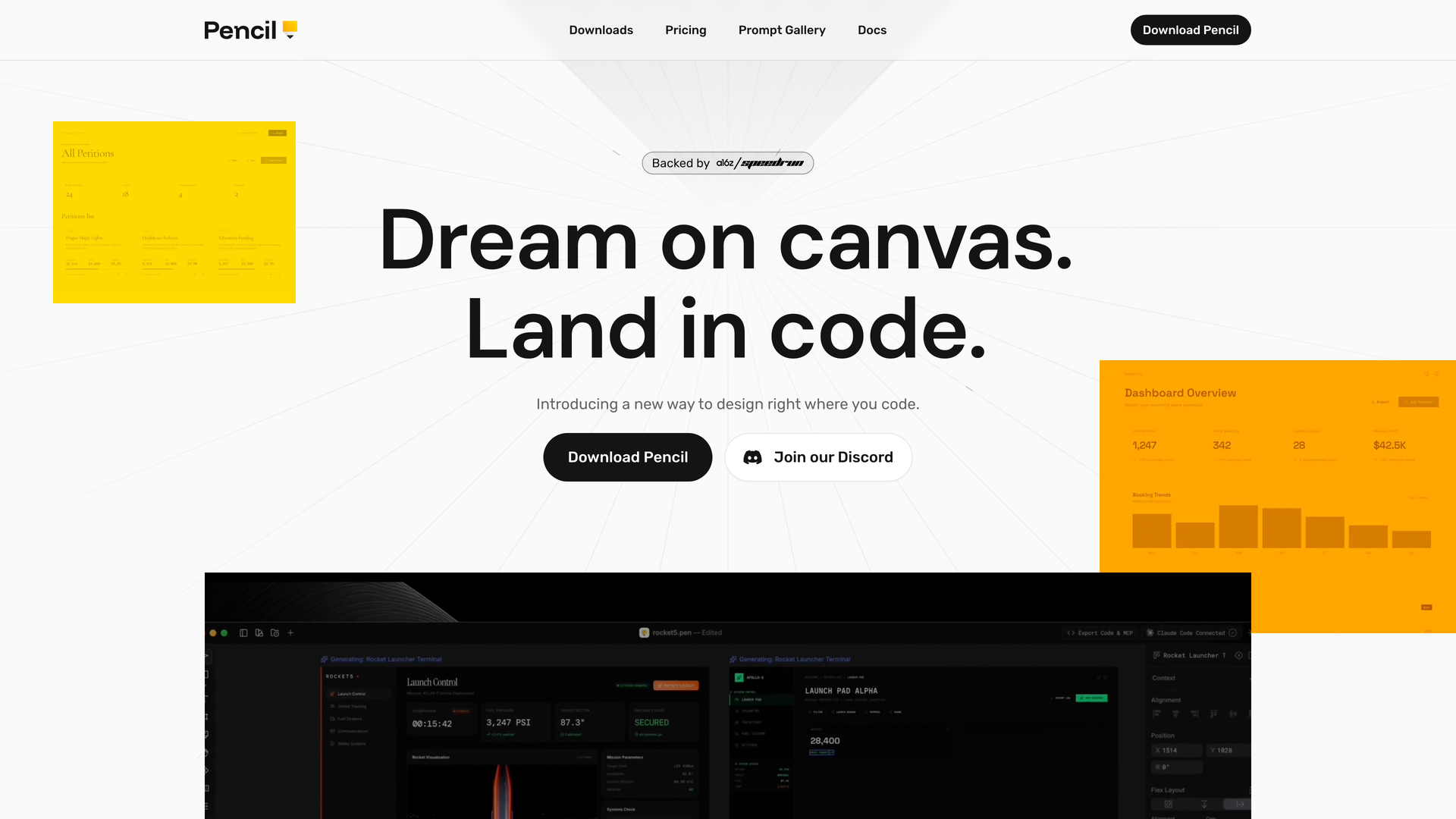
Pencil is a powerful vector design tool that integrates directly into your development environment. Unlike traditional design tools that run in separate applications or browser tabs, Pencil lives right inside your IDE alongside your code, bridging the gap between design and development.
Core Philosophy
Pencil operates on the principle of "design as code." It introduces a new way to design right where you code, eliminating design handoffs. Design files live in your repository, allowing you to version, branch, and merge with Git just like you do in development.
The MCP Canvas
Pencil is an agent-driven MCP (Model Context Protocol) canvas built around an open design format. It provides not just MCP reading tools but also full write access and other handy tools to fully operate the canvas, enabling integration with various data sources and agents.
Features
Infinite Design Canvas
Design your products with pixel-perfect precision without ever leaving your IDE. The vector-based canvas offers unlimited workspace, and code and design are always just one tab-click apart.
AI Multiplayer
A crew of extra hands that's got your back. Get AI assistance to generate screens or entire flows in parallel. Work side by side with AI to explore new directions faster than ever, making AI singleplayer the new multiplayer.
Speed & Precision
Vibe designing with precision. Prompt entire screens or specific parts directly in context. Use curated actions optimized for speed and quality, or write your own from scratch.
From Vectors to Code
Ship production-ready apps where code stays true to the design. Pixel-perfect context keeps everything aligned. Design and code live under one roof—in your repo, with generated HTML, CSS, and React code.
Brand Kits & Design Systems
Leverage curated, component-based design kits (like Shadcn UI, Halo, Lunaris, Nitro) to build beautiful products. Get the craft and taste of a senior designer at your fingertips, or plug in your team's existing design system straight from the codebase.
Fully Open File Format
Read, debug, or extend design files with your own tools. No black box, no lock-in. The .pen file format is transparent and extensible.
IDE Integration & Platform Support
Works seamlessly in VS Code, Cursor, Claude Code, OpenAI Codex, and as a standalone desktop app. Supported on macOS (desktop app + extension), Windows (extension only), and Linux (desktop app + extension, with some Wayland/Hyprland UI caveats).
Frequently Asked Questions
What is Pencil?
Pencil is an agent-driven MCP canvas and vector design tool that integrates directly into your IDE, allowing you to design and code in the same environment.
How does Pencil integrate with my workflow?
Pencil installs as an extension in your IDE (like VS Code or Cursor) or as a standalone app. Design files (.pen) are stored in your codebase and versioned with Git, making design part of your development workflow.
What is AI Multiplayer?
AI Multiplayer refers to Pencil's deep integration with AI assistants (like Claude Code, Codex) via MCP. These AI agents can help generate design elements, screens, and flows in parallel, acting as extra hands in your design process.
Can I import designs from Figma?
Yes. You can copy and paste designs directly from Figma. Vectors, text, and styles come over intact, making migration from Figma to Pencil straightforward.
Is there a free version?
The provided text does not specify pricing details. Please refer to the official Pencil website for information on pricing plans and free tiers.
What design systems are supported?
Pencil includes pre-built component libraries like Shadcn UI, Halo, Lunaris, and Nitro. You can also integrate your team's existing design system directly from your codebase.
How does the "design as code" concept work?
Design files (.pen) are stored in your repository alongside your source code. They use an open format, can be diffed and merged using Git, and sync bi-directionally with your code, ensuring design and implementation remain consistent.