
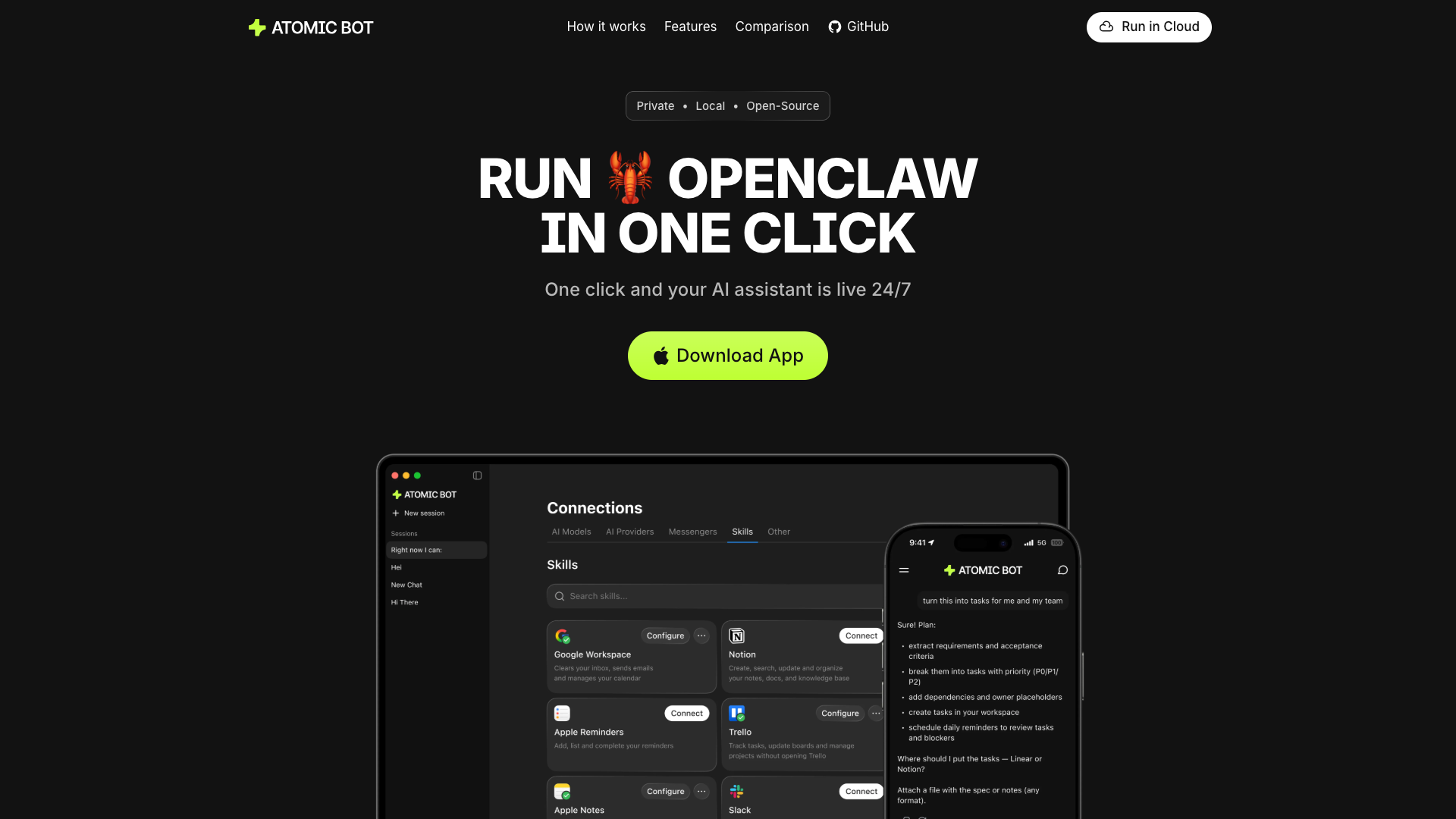
About the Tool
Introduction
What is Atomic Bot?
Atomic Bot is a user-friendly native application designed to simplify the deployment and use of OpenClaw (Clawdbot). It transforms the complex process of setting up an AI agent into a straightforward, one-minute procedure accessible to non-technical users.
Core Functionality
The core purpose of Atomic Bot is to deliver the full power of OpenClaw through a simple, guided interface. It allows users to run a persistent, task-oriented AI assistant on their local device or in a private cloud, enabling automation across personal and work tools like email, calendar, documents, and the web.
Target Audience
Atomic Bot is built for individuals who want a functional AI assistant to handle real-world tasks—such as managing emails, organizing files, and automating browser workflows—without requiring technical expertise or spending days on configuration.
Features
Simplified Installation & Setup
Atomic Bot provides a guided, step-by-step installer that eliminates the need for terminal commands. Users can install, configure services, and launch their AI assistant in minutes with a one-click setup process.
Full OpenClaw Capabilities
It delivers the complete functionality of the classic OpenClaw/Clawdbot framework, including persistent memory, persona onboarding, communication integrations, and scheduled tasks, all through an intuitive native interface.
Privacy-First & Flexible Deployment
Users have full control over their data. Atomic Bot can run locally on a Mac or Windows device, keeping all files on-device, or run encrypted in a personal cloud, ensuring privacy by design.
Broad Task Automation
Gmail Management
Clear email threads, draft replies, send follow-ups, and manage inboxes automatically.
Calendar Autopilot
Schedule meetings, move events, and set reminders in seconds within Google Calendar.
Document & PDF Processing
Read and summarize long documents, PDFs, and threads into key takeaways and action items.
Browser Control
Automate routine web tasks such as clicking, form filling, and information submission directly from chat.
File Organization
Automatically find, rename, sort downloads, and maintain clean folder structures.
Monitoring & Digests
Track trends, competitors, and social mentions (like X/Twitter) to receive daily summary digests.
Multi-Model Support & Skill Marketplace
Choose from various AI engines like Claude, GPT, and Gemini. Core skills come pre-installed, with more available from a marketplace to customize the assistant for specific workflows (e.g., CRM, GitHub helper, travel assistance).
Frequently Asked Questions
What is Atomic Bot?
Atomic Bot is a user-friendly native app that brings OpenClaw (Clawdbot) capabilities to everyday users. Install it like a normal app, choose what you want it to do, and start using your personal assistant right away.
Is Atomic Bot the same as OpenClaw/Clawdbot?
Atomic Bot delivers the full OpenClaw experience in a human-friendly interface. It offers the same core capabilities but through a much simpler setup and management process.
Is Atomic Bot open source?
Yes. The Atomic Bot macOS app is fully open source, and its code is available on GitHub.
Do I need to use Terminal to set up Atomic Bot?
Terminal is available for advanced users, but it is optional. Most users can install and run Atomic Bot entirely through the app's guided interface.
Does Atomic Bot run on my computer or in the cloud?
Both options are available. You can run Atomic Bot locally on your device (Mac or Windows) for maximum privacy, in an encrypted personal cloud for accessibility from any device, or use a hybrid setup.
What can Atomic Bot do?
Atomic Bot automates actions across daily tools: managing Gmail and Google Calendar, processing documents and PDFs, controlling the browser to complete web tasks, organizing files, scheduling recurring tasks, and monitoring information sources.
Is Atomic Bot secure?
Yes. Atomic Bot is privacy-first by design. You choose where it runs and where your data is stored—on your device, in the cloud, or both—maintaining full control over your setup and access.
What's the difference between Atomic Bot and ChatGPT?
While ChatGPT primarily answers questions in chat, Atomic Bot is built to run OpenClaw-style workflows and actually execute tasks across your tools (email, calendar, files, browser).
Is Atomic Bot free?
Atomic Bot is free to use. An optional paid plan is available for users who prefer not to set up API keys manually.