关于此工具
Introduction
What is AI Flowchart?
AI Flowchart is a practical AI-powered tool designed to turn messy process information into clear, structured diagrams. It is built for teams that already have workflows documented in text, notes, SOPs, tickets, screenshots, or rough sketches but need a shareable visual representation quickly.
Core Functionality
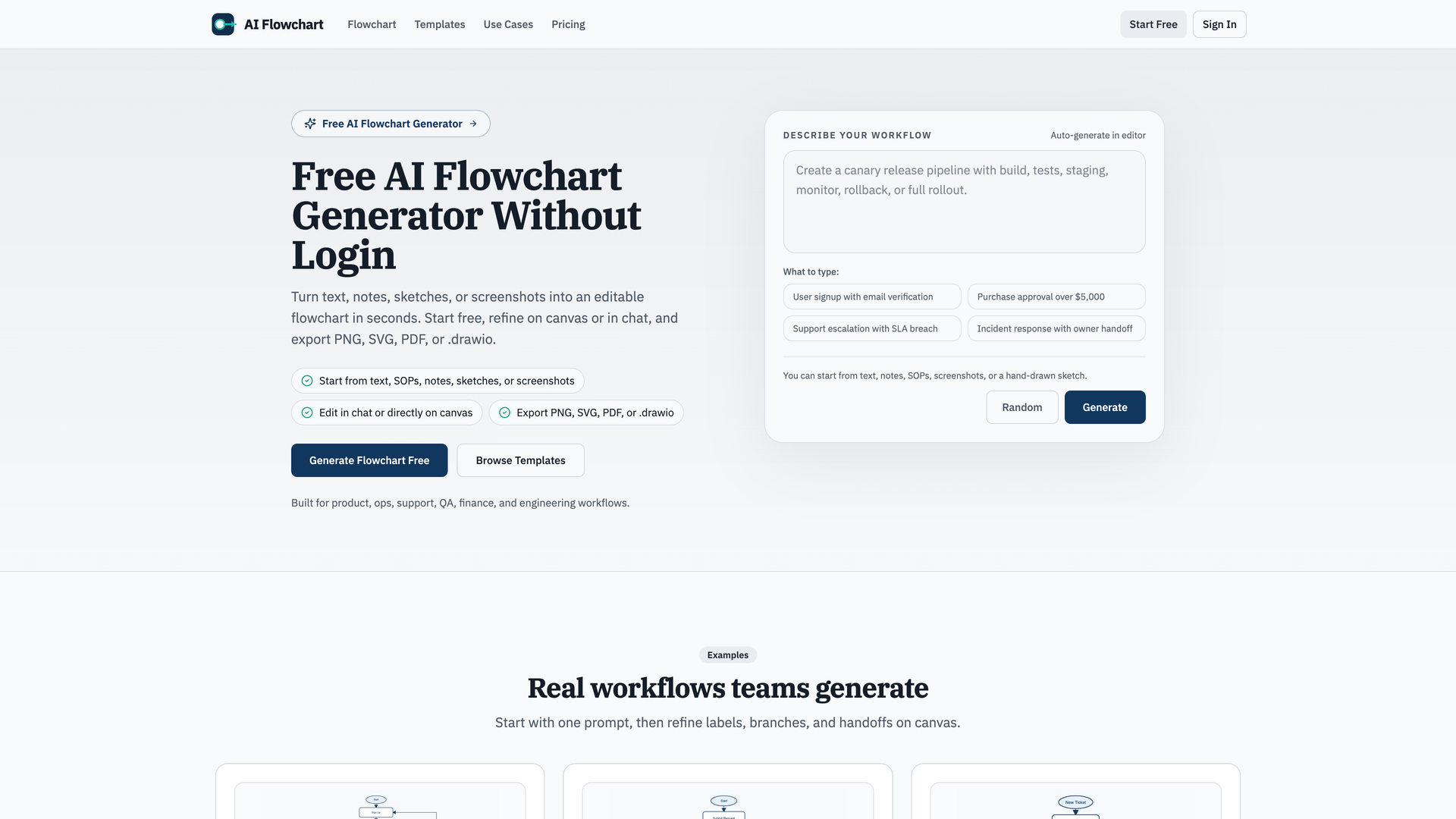
The tool's core workflow is a simple three-step process: describe a workflow in plain language or upload an image, generate a draft flowchart automatically, and then refine it directly on the canvas or through a chat interface.
Purpose and Applications
Its primary purpose is to simplify and accelerate diagram creation for common business and technical workflows, eliminating the need for manual redrawing. It is particularly useful for mapping processes in product management, operations, customer support, quality assurance, finance, and engineering.
Features
Multi-Format Input
Start from various sources including plain text, notes, SOPs, screenshots, or hand-drawn sketches. You can paste process steps from documents or upload images (PNG, JPG, WEBP) up to 5MB for the AI to rebuild into an editable diagram.
Intelligent Generation & Auto-Layout
The AI automatically builds a readable flowchart from your description, handling decisions, branches, retries, and exceptions. It applies an auto-layout to keep the diagram clean and organized, with the first draft appearing in seconds.
Interactive Refinement
Edit your flowchart directly on an intuitive canvas to adjust labels, links, and branches. Alternatively, use the built-in chat feature to revise paths or add steps through conversational commands.
Flexible Export Options
Once finalized, export your flowchart in multiple formats for sharing and future editing, including PNG, SVG, PDF, and the editable .drawio source file for compatibility with diagramming tools.
Template Library for Quick Starts
Jumpstart your diagramming by choosing from a library of pre-built templates for common use cases like approval workflows, onboarding processes, support escalation, refund handling, data pipelines, and deployment pipelines.
Free to Start & No-Login Trials
Begin using the tool with free daily credits, and your first runs can be completed without creating an account. Upgrade to a paid plan only when you require higher monthly usage limits.
Frequently Asked Questions
Is this AI flowchart generator free?
Yes. You can start with free daily credits. Upgrade only when you need more monthly usage.
Can I use it without login?
Yes. Your first runs can be done without login. Sign in when you want to save your history and enable account sync.
Can I generate from plain text?
Yes. Simply paste steps from docs, notes, SOPs, tickets, or chat, and the AI will generate an editable flowchart.
Can I generate from image input?
Yes. In the editor, upload a PNG, JPG, or WEBP sketch or screenshot. The AI will rebuild it into a clean, editable flowchart.
What formats can I export?
You can export your flowcharts as PNG, SVG, PDF, and the editable .drawio source file.
How is this different from Miro, Canva, or Whimsical?
This tool is specifically focused on one fast workflow: converting a prompt or sketch into an editable flowchart with minimal setup, unlike broader design and whiteboard platforms.