ツールについて
Introduction
What is Unblur Image?
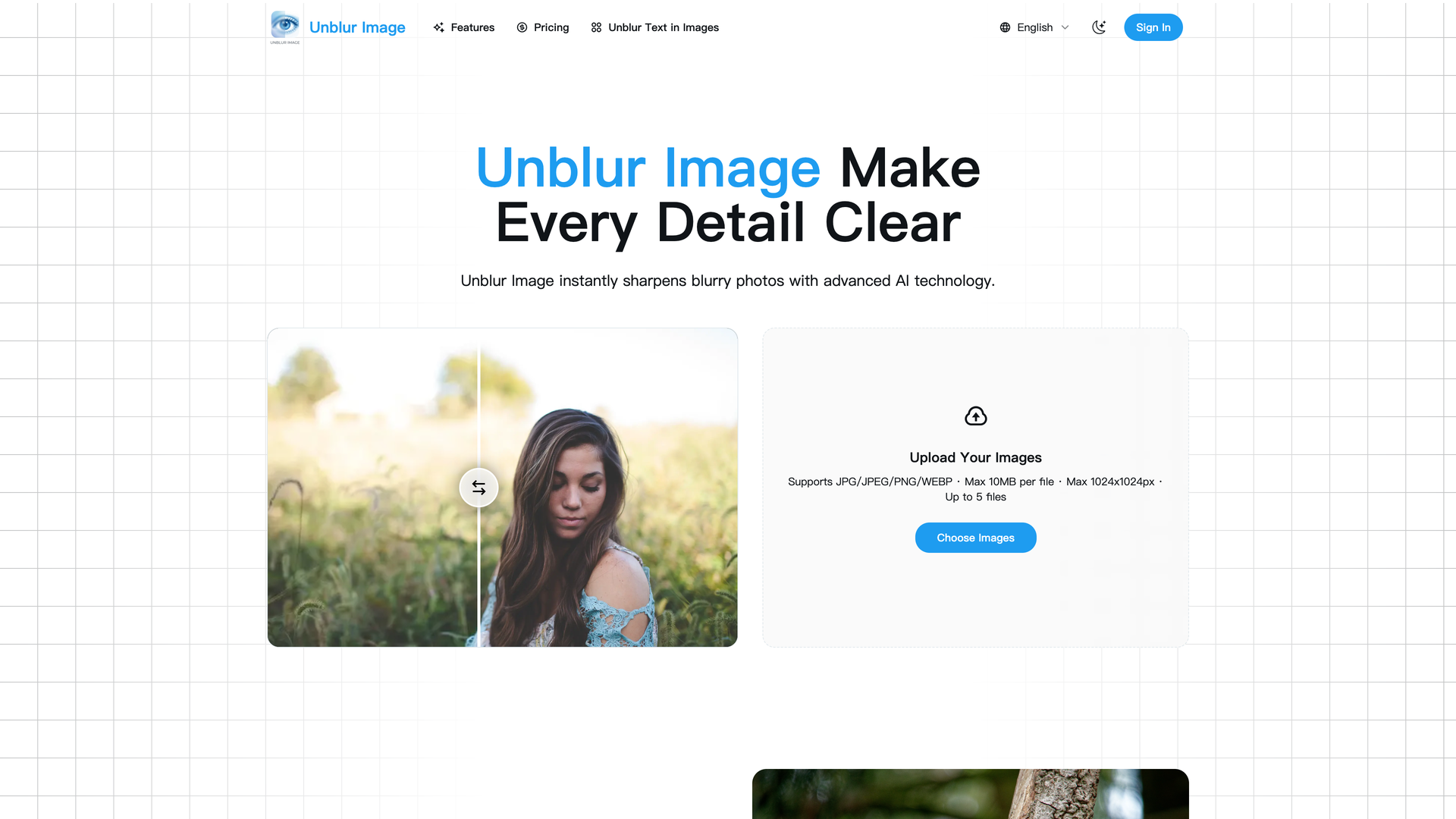
Unblur Image is an AI-powered online tool designed to restore clarity and sharpness to blurry, low-quality, or low-resolution photos. It leverages advanced artificial intelligence to analyze and reconstruct image details, making previously unusable photos crisp and clear.
Core Functionality
The tool's primary function is to reverse various types of image degradation, including motion blur, out-of-focus blur, and softness from low resolution. It processes uploaded images and applies intelligent sharpening and enhancement algorithms to recover lost detail.
Purpose and Applications
Unblur Image serves a wide range of users, from individuals wanting to salvage personal memories to professionals in e-commerce, design, and marketing who need high-quality visuals. It simplifies the process of photo restoration, making it accessible with just a few clicks.
Features
AI-Powered Image Unblurring
The core engine analyzes every pixel to intelligently reverse motion blur, focus blur, and softness. It reconstructs lost edge information and recovers fine gradients, bringing clarity back to portraits, travel shots, screenshots, and old photos.
Precision Detail Sharpening
This feature enhances textures, edges, facial features, and micro-details using a precision model. Unlike traditional filters that create halos, the AI produces natural, balanced results without over-sharpening, maintaining realistic looks and smooth color transitions.
Image Upscaling for Higher Resolution
Increase image resolution up to 2×, 4×, or higher while preserving sharpness and eliminating pixelation. The super-resolution model reconstructs missing textures to produce clean, detailed outputs suitable for printing, design, e-commerce, and social media.
AI Noise Reduction
Removes digital noise, grain, low-light artifacts, and compression flaws without losing important detail. The technology distinguishes between "texture" and "noise," keeping photos natural while eliminating distracting imperfections.
Smart Clarity & Visual Enhancement
Improves overall clarity, contrast, lighting, and visual definition with one click. The system optimizes brightness distribution, enhances edge perception, and restores color depth to make photos appear brighter, cleaner, and more professional.
Batch Processing & Scalability
Supports processing multiple images at once, making it efficient for projects of any scale. A credit-based pricing model allows users to manage costs effectively based on their usage needs.
Frequently Asked Questions
How does Unblur Image restore blurry photos?
Unblur Image uses advanced AI algorithms to analyze your photo and intelligently enhance details, sharpen edges, and improve overall clarity within seconds.
Is Unblur Image free to use?
Yes! You can use the basic tools completely free to unblur your photos instantly. Premium features are available for users who want more advanced enhancements.
Can Unblur Image handle high-resolution images?
Absolutely. Our AI is optimized to process high-resolution photos while preserving detail and image quality.
Does using Unblur Image affect the original photo quality?
No. Unblur Image enhances your photo without damaging the original file. You get a sharper version while keeping the original safe.
Are there any limits on file size or format?
Unblur Image supports common image formats such as JPG and PNG. While large files may take slightly longer to process, our system efficiently handles them without quality loss. There is a maximum file size of 10MB and dimension limit of 1024x1024px for uploads.
Can I use Unblur Image on mobile devices?
Yes! Unblur Image works on desktops, tablets, and mobile devices, allowing you to sharpen photos anytime, anywhere.