
ツールについて
Introduction
What is Seedance 2.0 AI?
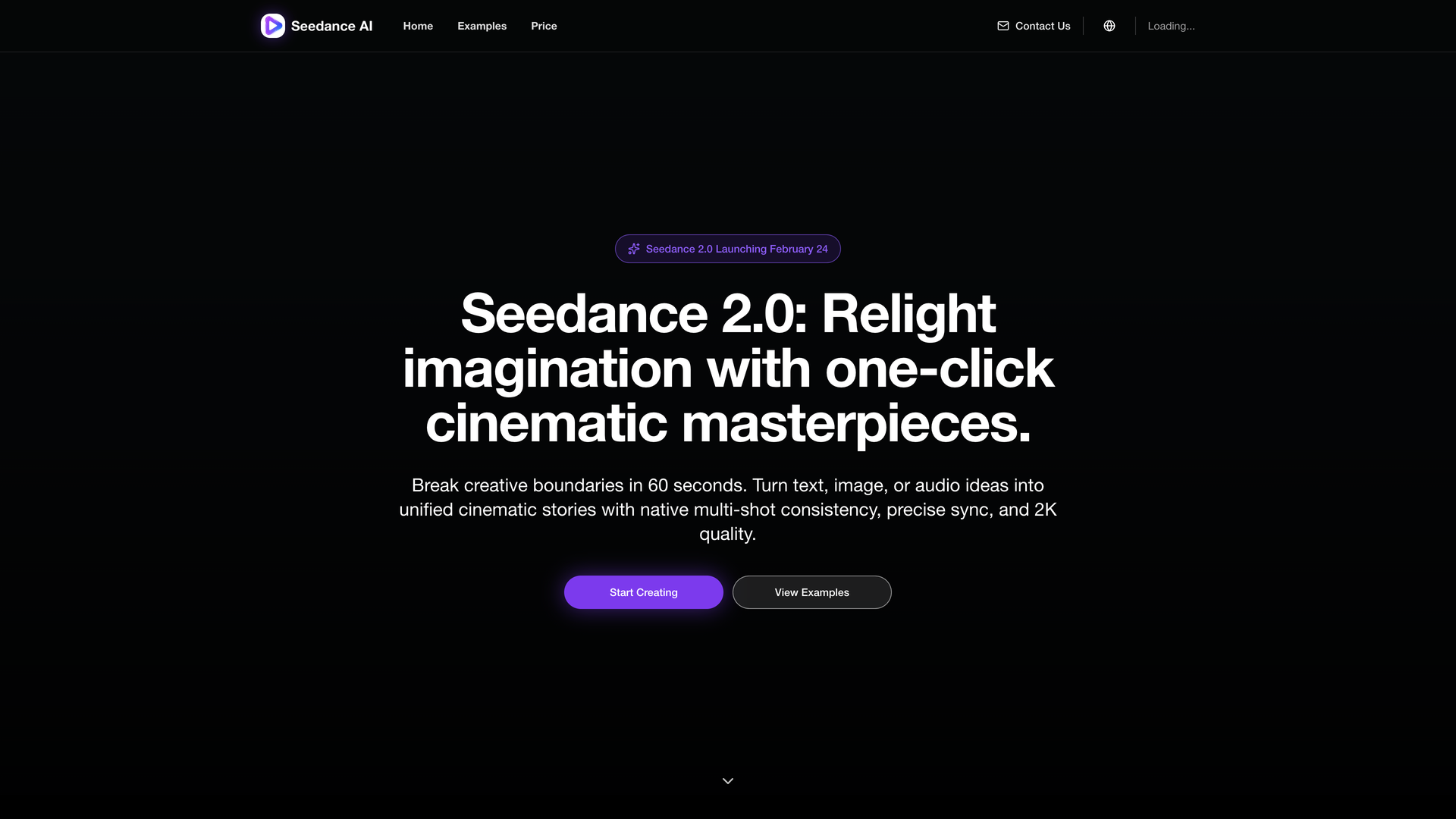
Seedance 2.0 AI is a state-of-the-art AI video generation platform designed to transform text prompts, images, or audio ideas into high-quality cinematic short videos. It empowers users to break creative boundaries and produce professional video content in under a minute, without requiring any prior video editing skills.
Core Purpose
The tool is built to accelerate video production for creators, marketers, and businesses. It simplifies the process of creating social media content, advertisements, product demonstrations, and narrative stories by generating videos with native multi-shot consistency, precise audio sync, and stunning 2K resolution.
Target Audience
Seedance 2.0 AI primarily serves content creators, digital marketers, social media managers, and small to medium-sized businesses looking for a fast, efficient, and high-quality solution for video content creation.
Features
Multimodal Input and Generation
Seedance 2.0 supports flexible input methods, including text-to-video, image-to-video, and audio-guided generation. Users can upload up to 9 images, 3 videos, and 3 audio clips as references to guide the AI in creating a cohesive video narrative.
Cinematic 2K Output with Multi-Shot Consistency
The platform's core engine specializes in generating videos with seamless multi-shot storytelling. It maintains consistent characters, style, and framing across different scenes within a single video, delivering professional-quality output in up to 2K resolution with various aspect ratios for different platforms.
Physically Plausible Motion Synthesis
A key differentiator is its advanced motion synthesis that follows physical laws. This results in fluid, realistic character movements and camera motions, significantly improving visual realism, especially in complex scenes with multiple subjects and interactions.
Precise Instruction Following and Style Control
Seedance 2.0 demonstrates powerful prompt understanding and instruction-following capabilities. It can accurately reproduce complex scripts, plan shots with directorial reasoning, and offers flexible style steering, allowing users to switch between photorealistic, anime, stop-motion, and other diverse visual styles.
Audio-Guided Video Synchronization
The tool can synchronize generated video content with uploaded audio, aligning beats, timing, and even lip movements for tighter audiovisual consistency, making it ideal for creating music videos or narrated content.
Credit-Based Flexible Pricing
Access is provided through a credit-based system with packages (Starter, Standard, Pro) designed for different usage volumes, from first-time users to teams and power users, ensuring scalability.
Frequently Asked Questions
I have no editing experience. Can I still use Seedance?
Yes. Seedance 2.0 AI is designed for users with no prior video editing skills. The process is simplified to: prompt, generate, and export.
Do I need to pay before I can try it?
The website indicates a credit system for generation. While not explicitly stated, the presence of a "Buy Credits" section suggests that credits are required to generate videos, implying payment or a credit purchase is needed to use the core service.
What input types are currently supported?
The platform supports text prompts, image uploads, video references, and audio clips as multimodal inputs to guide the video generation process.
How long does generation usually take?
The website promotes the ability to "Break creative boundaries in 60 seconds," suggesting a very fast generation time, though actual duration may vary based on video length and complexity.
Can generated videos be used commercially?
While not explicitly stated on the provided page, AI-generated content for commercial use typically depends on the platform's Terms of Service. Users should review the Terms of Service or contact support for clarification.
What should I do if the result is not ideal?
Users can refine their prompts, adjust settings (model, duration, resolution), or use different reference assets to improve results. For persistent issues, contacting support is recommended.
How are uploaded files and data handled?
Specific data handling practices are detailed in the Privacy Policy, which users are advised to review. The website includes a link to its Privacy Policy in the footer.
What if generation fails or stays queued?
For technical issues like generation failure or prolonged queuing, the website directs users to contact support at support@seedance20.site.