
Sobre la herramienta
Introduction
What is Luvvoice?
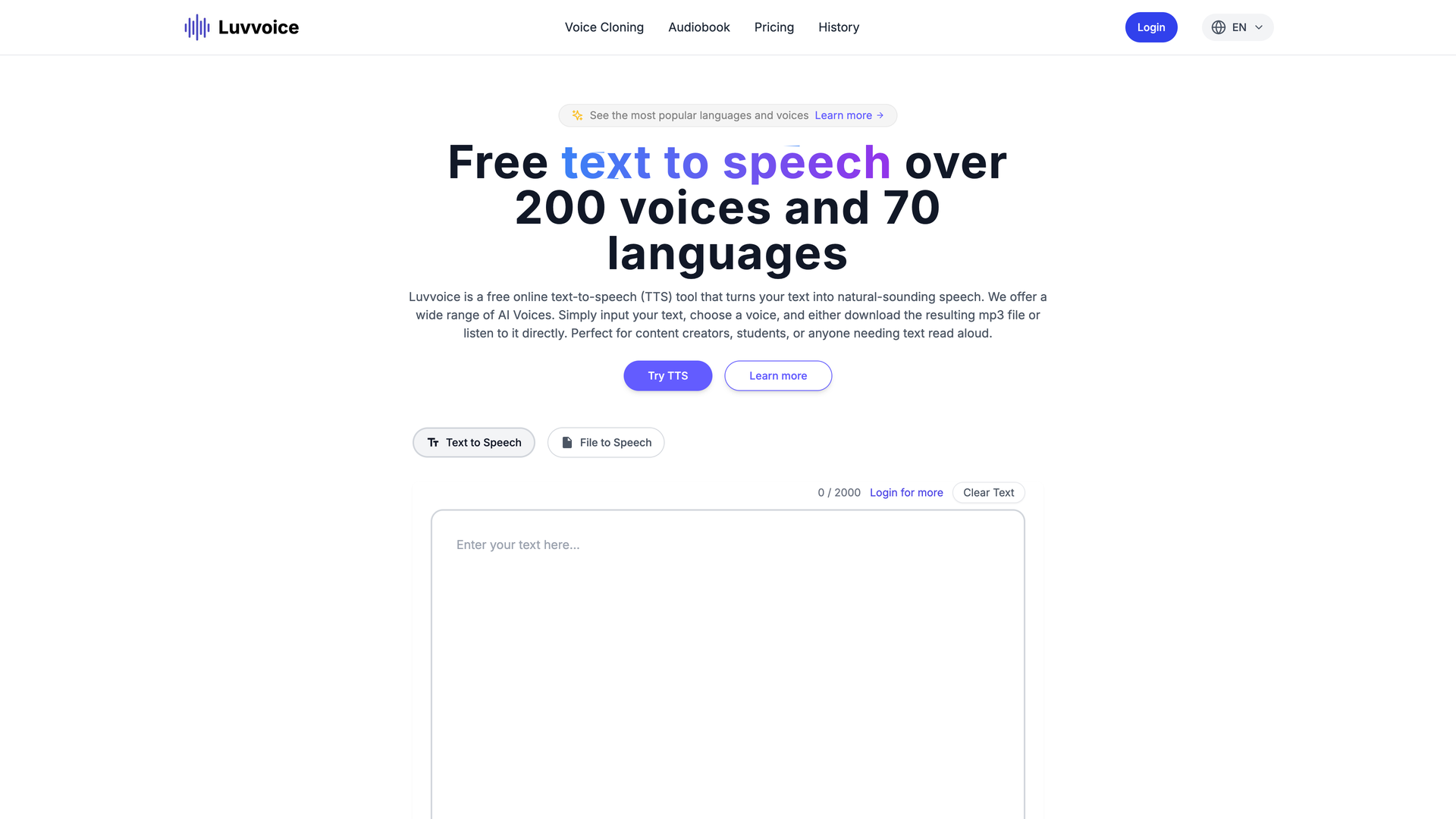
Luvvoice is a free, professional-grade online text-to-speech (TTS) tool powered by advanced AI. It transforms written text into natural-sounding, high-quality speech audio, making it an essential resource for a wide range of personal and professional applications.
Core Functionality
At its core, Luvvoice allows users to input text, select from a vast library of AI voices across numerous languages, and generate downloadable MP3 audio files or listen directly online. The platform is designed for ease of use, requiring no technical expertise.
Purpose and Target Audience
Luvvoice is built for anyone who needs to convert text to audio. It is particularly valuable for content creators (YouTubers, podcasters, social media managers), students, educators, professionals in marketing, and individuals seeking accessibility solutions or language learning tools.
Features
Extensive Voice and Language Library
Luvvoice offers one of the most comprehensive selections available, with over 200 high-quality AI voices spanning more than 70 languages and dialects. This ensures users can find the perfect voice for any project or regional audience.
Realistic AI Voice Quality
Built on deep learning and breakthrough AI research, Luvvoice generates speech that is extremely close to the quality, tone, and emotion of real human voices, providing a more engaging and pleasant listening experience.
Multi-Format Input Support
Beyond simple text input, Luvvoice supports document-to-voice conversion. Users can upload common file formats like PDF and TXT, and the tool will extract and convert the text to speech, handling documents with hundreds of thousands of characters.
Flexible Output and Customization
Generated audio can be downloaded in the universal MP3 format. Logged-in users gain access to advanced features, including an extended character limit (up to 20,000 characters), the ability to adjust speech rate and pitch, and tools to insert precise pauses for better pacing.
Commercial Licensing and Accessibility
Users retain full ownership of all generated audio files and are free to use them in commercial projects like YouTube videos, podcasts, and marketing materials, provided they comply with local laws. This makes it a powerful tool for business and creative endeavors.
Frequently Asked Questions
How do I convert text to speech with Luvvoice?
The process is straightforward: paste or type your text into the text box, select your desired language and preferred AI voice from the library, and click the 'Generate' button. You can then listen to the result immediately or download the MP3 file.
What are the limits of the free plan?
The free plan allows users to convert up to 20,000 characters per month. For higher volume needs, paid plans offer increased limits and additional premium features.
Can I use the audio for commercial purposes?
Yes. You have full ownership of the audio files generated by Luvvoice. They can be used freely in commercial projects such as videos, podcasts, social media content, and advertisements.
What file formats are supported for document upload?
Luvvoice supports common text-based formats like PDF and TXT for document-to-voice conversion. Note that scanned PDFs or image-only PDFs may not extract text properly.
How can I add pauses to the speech?
For logged-in users, a Pauses button is available in the toolbar. Place your cursor in the text where you want a break, select a pause duration (from 0.5s to 5s), and it will be inserted. For optimal results, it's recommended not to exceed 20 pauses per conversion.
What makes Luvvoice different from other TTS tools?
Luvvoice stands out due to its combination of a massive, high-quality voice library, realistic AI voice generation based on deep learning, support for document uploads, and user-friendly features like speech adjustment and pause insertion—all available in a free, accessible online tool.
Why might I encounter an error when generating speech?
A 'Something went wrong' error can sometimes be caused by browser extensions, particularly translation plugins, interfering with the website. Try disabling such extensions and refreshing the page to resolve the issue.