
حول الأداة
Introduction
What is Pixwit AI?
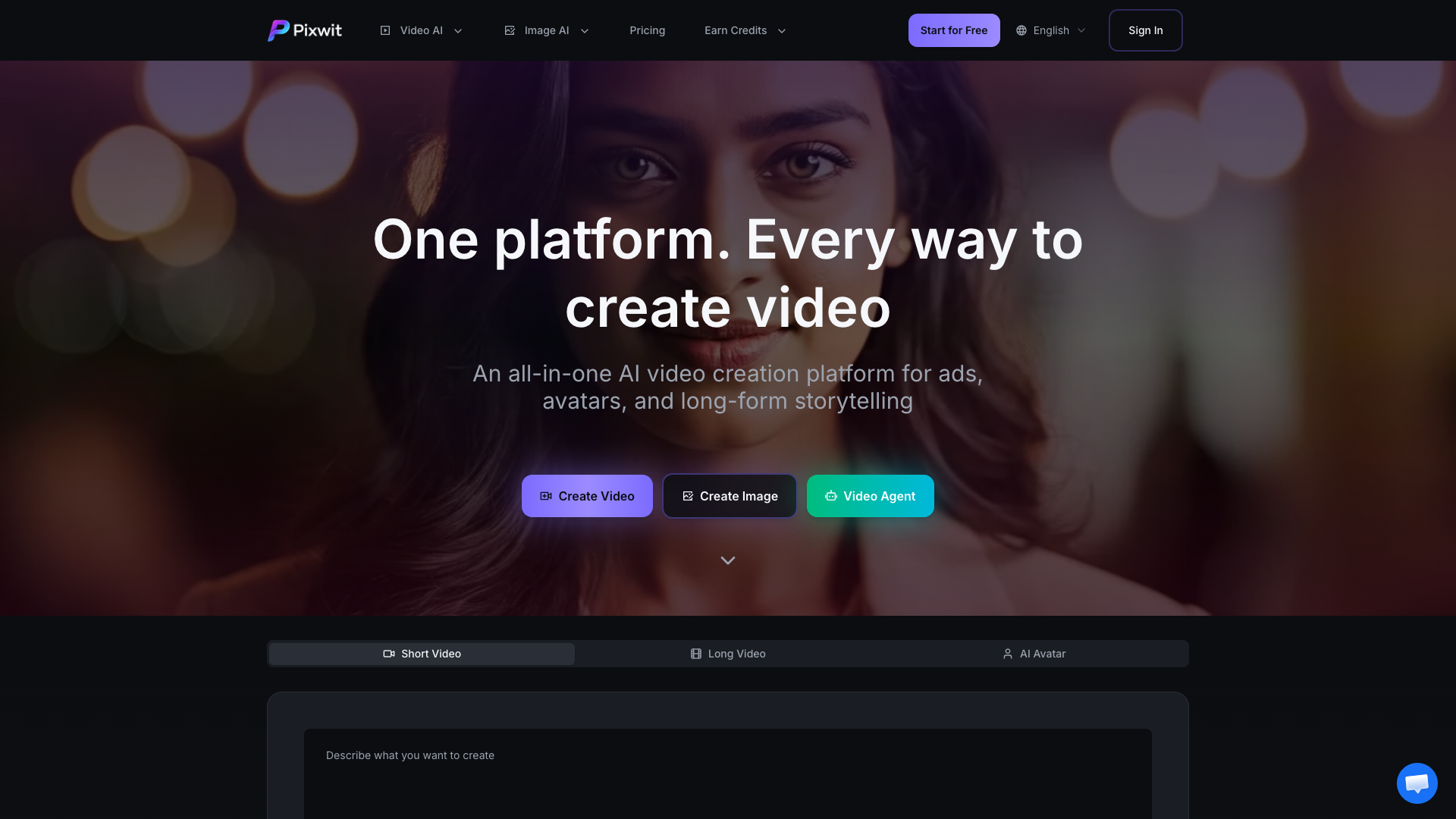
Pixwit AI is an all-in-one platform that leverages advanced artificial intelligence to transform text descriptions or uploaded images into high-quality videos. It serves as a comprehensive tool for video creation, catering to various needs from short ads to long-form storytelling.
Core Functionality
The platform's primary function is to generate videos using AI. Users can input a text prompt or upload an image, and Pixwit's AI models will create a corresponding video, complete with stylistic consistency, synchronized audio, and cinematic effects.
Purpose and Applications
Designed for creators, marketers, and storytellers, Pixwit AI aims to democratize professional video production. Its applications span creating user-generated content (UGC) ads, animated AI avatars, promotional videos, and multi-scene narrative content, all without requiring technical video editing skills.
Features
Multi-Model Video Generation
Pixwit provides access to several top-tier AI video generation models in one place, including Sora 2, Kling, Runway, Veo, Wan, and Seedance. Users can choose the model that best fits their needs for quality, speed, or specific visual styles.
Diverse Creation Modes
The platform offers multiple pathways to create videos:
- Text to Video: Transform text descriptions into dynamic videos.
- Image to Video: Animate uploaded photos into cinematic sequences.
- UGC Ad Video: Automatically generate engaging marketing videos from product images.
- AI Avatar Generator: Create animated, lip-synced avatar videos from a single photo.
- Long Video Generator: Produce multi-minute, multi-scene videos with consistent characters and smooth transitions.
- Reference & Start-End Image to Video: Maintain visual consistency across frames or create seamless transitions between two images.
Rich Effect Templates and Customization
Users can enhance videos with a library of creative AI-powered effect templates (e.g., Kiss Me AI, Zombie Mode, Thunder God) and customize generation parameters for the ultimate creative control.
User-Friendly and Accessible
The interface is designed for simplicity, requiring no technical skills. It offers a free tier with initial credits, fast generation times (2-5 minutes), and supports the creation of videos for commercial use.
Frequently Asked Questions
What is Pixwit and how does it work?
Pixwit is an AI-powered tool that converts text or images into video artworks. Users provide a prompt or image, and the platform's AI models generate the corresponding video automatically.
Do I need technical skills to use Pixwit?
No. The interface is simple and user-friendly. Just enter text or upload images, and the AI handles the video generation.
What types of videos can I create?
You can create a wide range of videos, including ads, avatar videos, long-form stories, animations, and videos in various artistic styles.
How long does video generation take?
Generation typically takes 2-5 minutes, depending on server load and video complexity. Progress is displayed in real-time.
What are the limitations of the free version?
The free version provides 100 starting credits with a daily generation quota, access to basic support, and restricted access to premium effect templates. Video length for free users is limited to 15 seconds.
Can I use generated videos commercially?
Yes. Users own full rights to the videos they generate and can freely share, edit, and commercialize them.
What is Long Video and how does it work?
Long Video is a premium feature for creating multi-minute videos. AI generates story outlines, character designs, scripts, and videos, allowing users to interactively adjust content through conversational feedback at each stage.
What AI models are supported?
Pixwit supports advanced models including Kling V2.5, Wan 2.5, Sora 2, Sora 2 Pro, Veo 3.1 (Quality & Fast), Runway Gen 3, and SeeDance V1.
What's the difference between free and paid video length limits?
Free users can generate videos up to 15 seconds. Paid users can create videos up to 5 minutes long.